 Control over local Wi-Fi
SonLink: Wi-Fi TV Remote
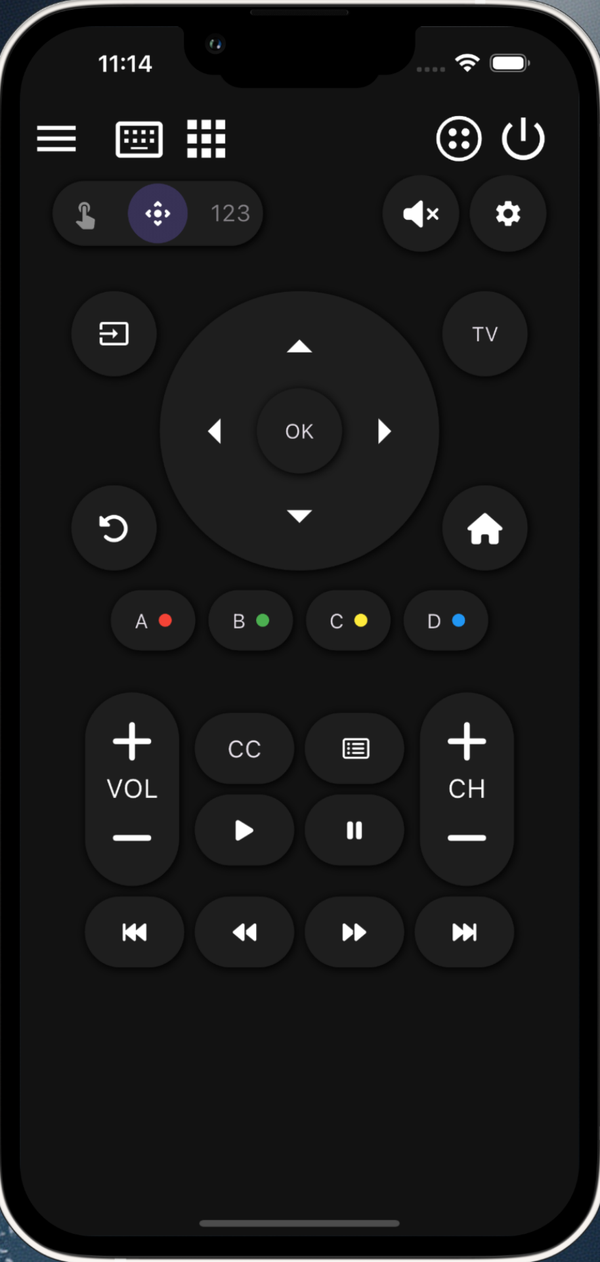
Pair with a compatible TV on the same network, then control power, volume, navigation, typing and apps from a focused remote layout.
A remote that stays out of the way.
Fast pairing, familiar controls and useful shortcuts for compatible TVs.
SonLink
A focused Wi-Fi remote with the controls you use most, designed for quick one-handed access.
SuperMote
A broader universal Wi-Fi remote for households with multiple supported TV platforms.
Everything you need, nothing you don't.
A complete remote, distilled into the gestures and buttons you actually reach for.
Power & Volume
Turn a paired TV on and off, mute, and adjust volume from your phone.
D-pad Navigation
A precise directional pad with a satisfying OK button, optimized for thumb reach on any phone size.
Trackpad Mode
Swipe-to-move and tap-to-select for TV menus that benefit from finer control.
App Launcher
Jump straight into Netflix, YouTube, Disney+ and other apps installed on your TV — one tap, no menu diving.
Auto Discovery
SonLink scans your local Wi-Fi for compatible TVs. Pair using the confirmation shown by your TV.
Multi-TV Support
Save compatible TVs in different rooms and switch between them in two taps.
See SonLink on your phone.
Five screens, one focused remote for everyday TV control.
Full-button remote with D-pad
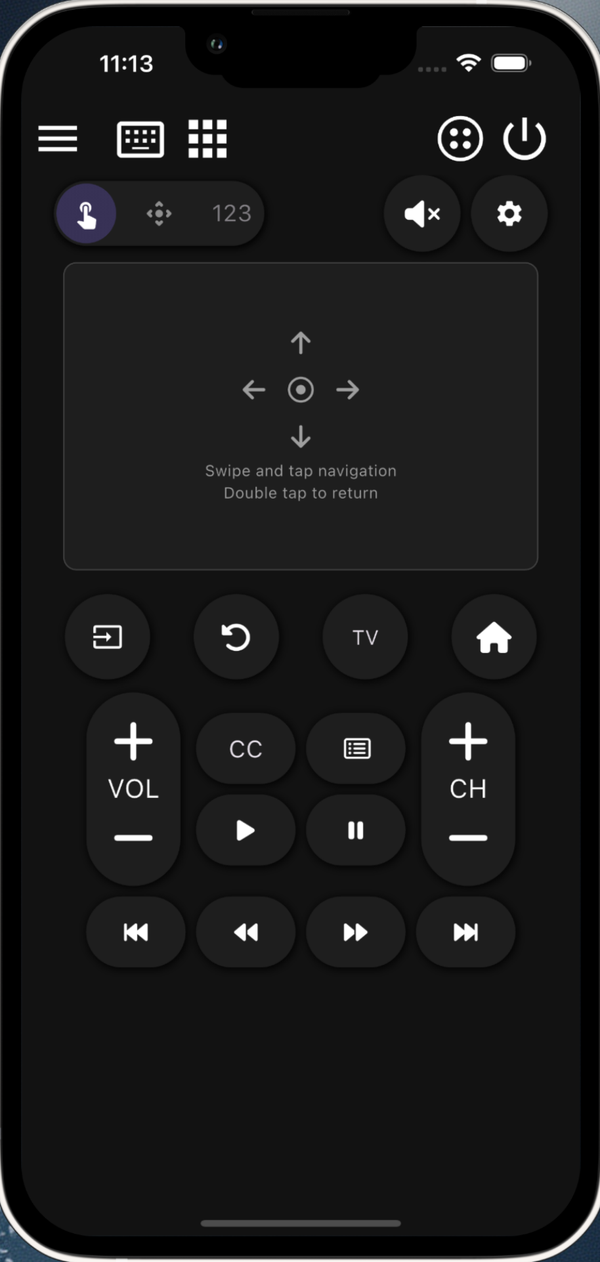
Trackpad mode for menus & apps
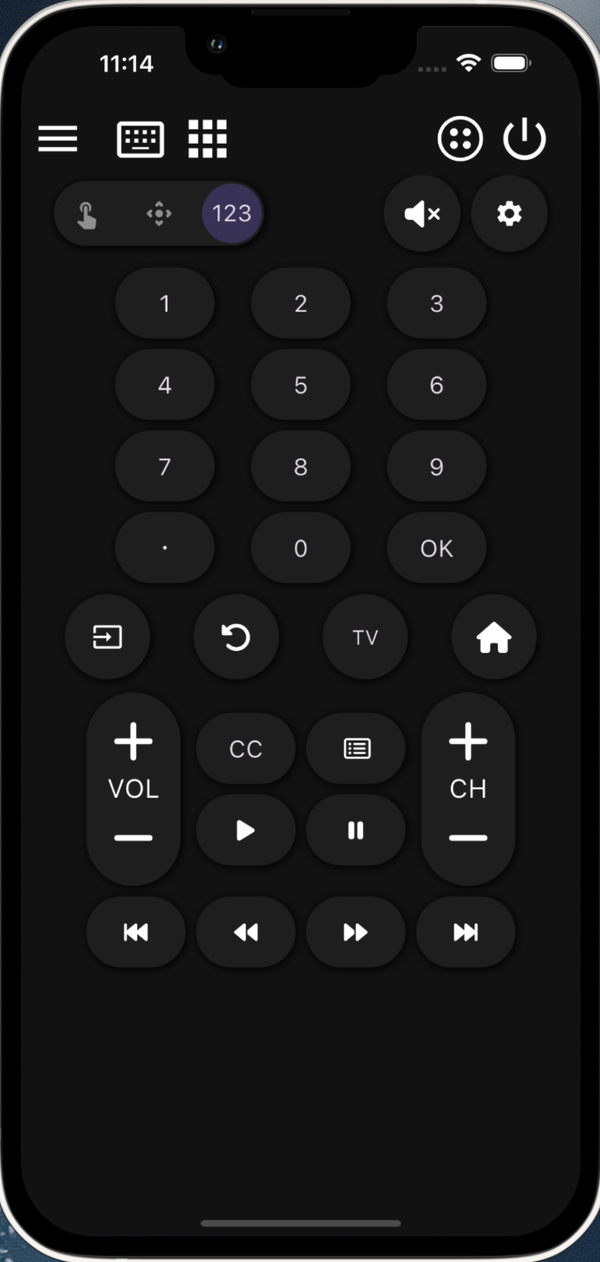
Number pad for channels & PIN
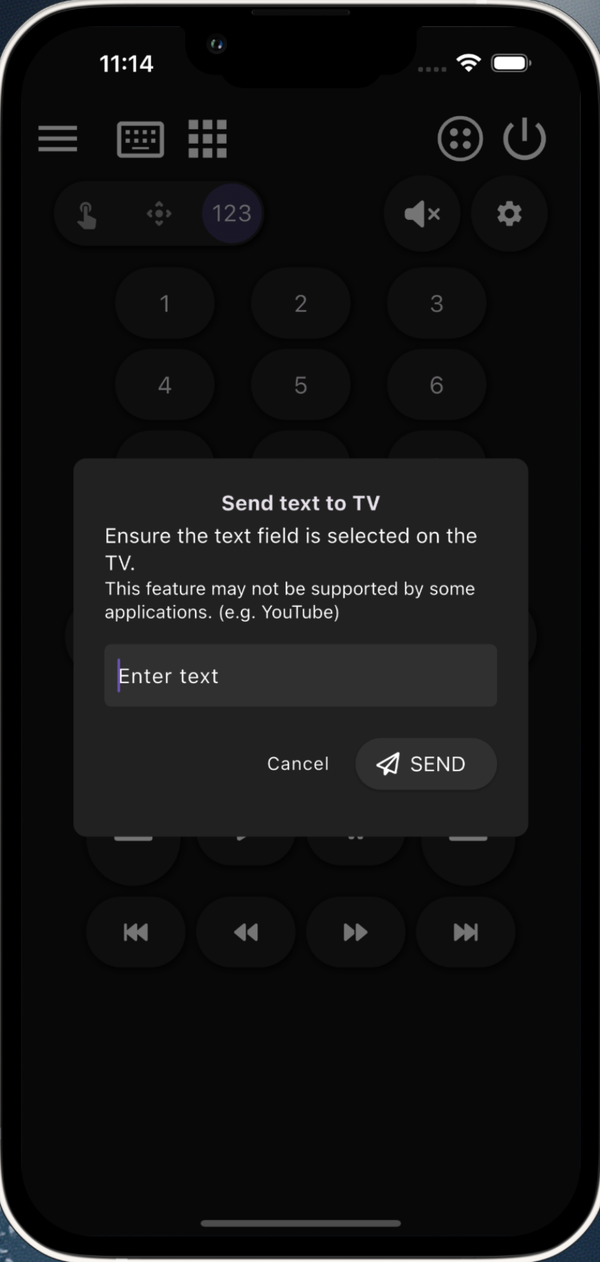
Type on TV from your phone
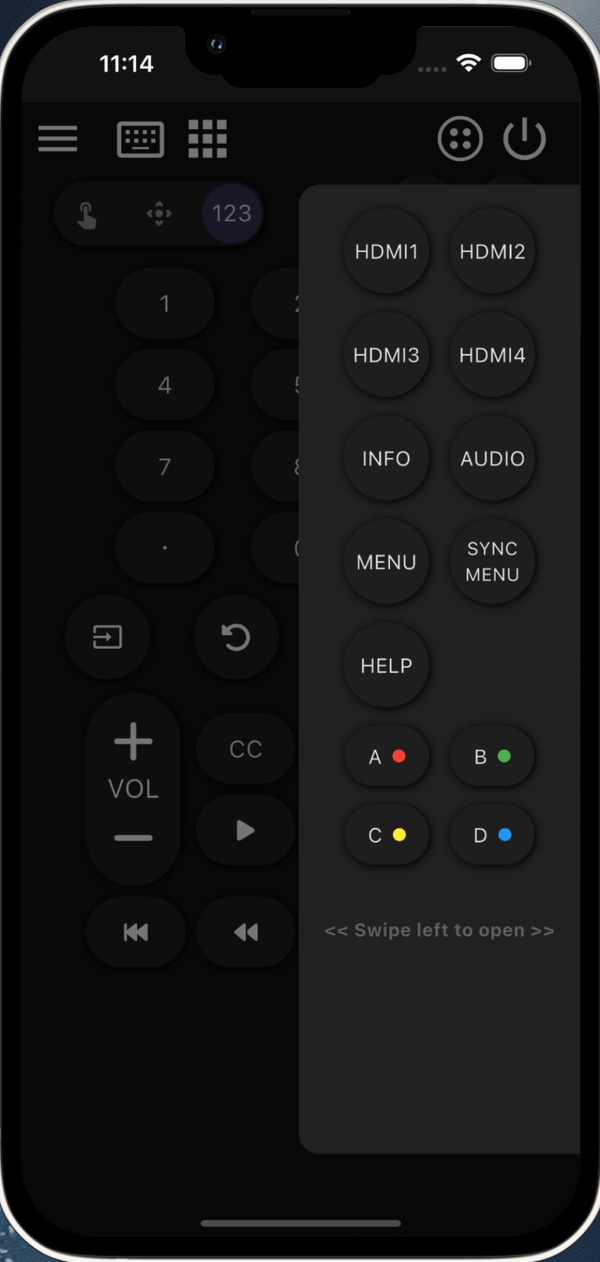
One-tap HDMI & input switcher
Compatible TV control over Wi-Fi.
📅 Models & years
Selected smart TVs that expose compatible local-network remote-control services.
🔐 Protocol
Supported local-network control protocols with on-TV pairing where required.
📶 Network
Phone and TV on the same Wi-Fi network. Network remote control must be enabled on your TV.
📱 Platforms
iOS 15.6+ and Android 8.0+. Free download, no account required.
Three steps. That's it.
Connect to Wi-Fi
Make sure your phone and compatible TV are on the same Wi-Fi network.
Pair your TV
Open SonLink, pick your TV from the discovered list, then follow the on-screen pairing instructions.
Control away
Power, volume, navigation, apps — all from your phone, instantly.
Common questions
My TV doesn't show up in the list. What now?
Does SonLink collect any personal data?
Will it work with every TV?
I have multiple TV brands. Should I use SonLink?
I lost my remote — can my phone replace it?
Is SonLink free?
Ready to ditch the lost remote?
Choose your platform. Check the store listing for current compatibility and purchase options.